Tiger ID
The Tiger ID Office Is Now Located In Suite 2101 Of The Melton Student Center
What Is The Tiger ID?
The Tiger ID is the official form of identification for every Auburn University Student . It is used to check out books at the University libraries, gain access to buildings or labs and gain entry to University related events. The Tiger ID is also used to access the Tiger Club Accounts and Dining Plans once an account has been established.
Accounts for the required participation Dining Plan will already be established and funds will be available at the start of both Fall and Spring semesters. For more information on the required Dining Plan options, please visit the Campus Dining website at https://campusdining.auburn.edu/.
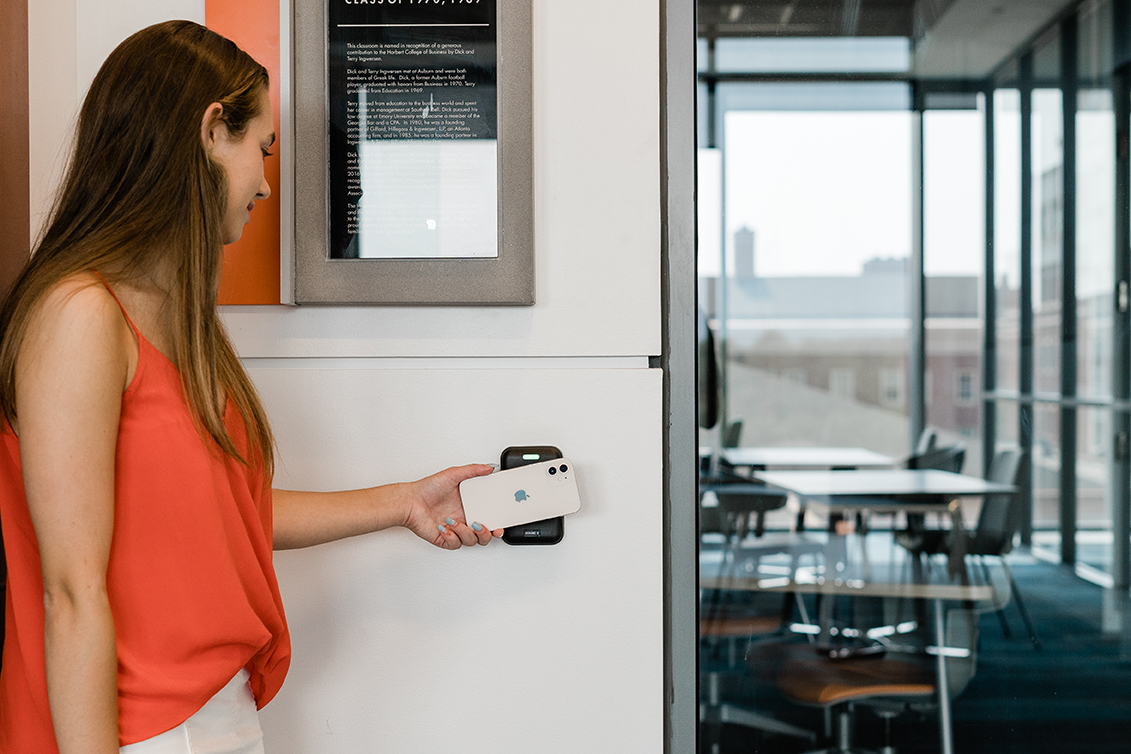
Regions is here to make your Auburn experience even more extraordinary.

Open a Regions LifeGreen® Checking account for students with no monthly fee and order your Auburn University® Visa® debit card. Conveniently located on College Street.
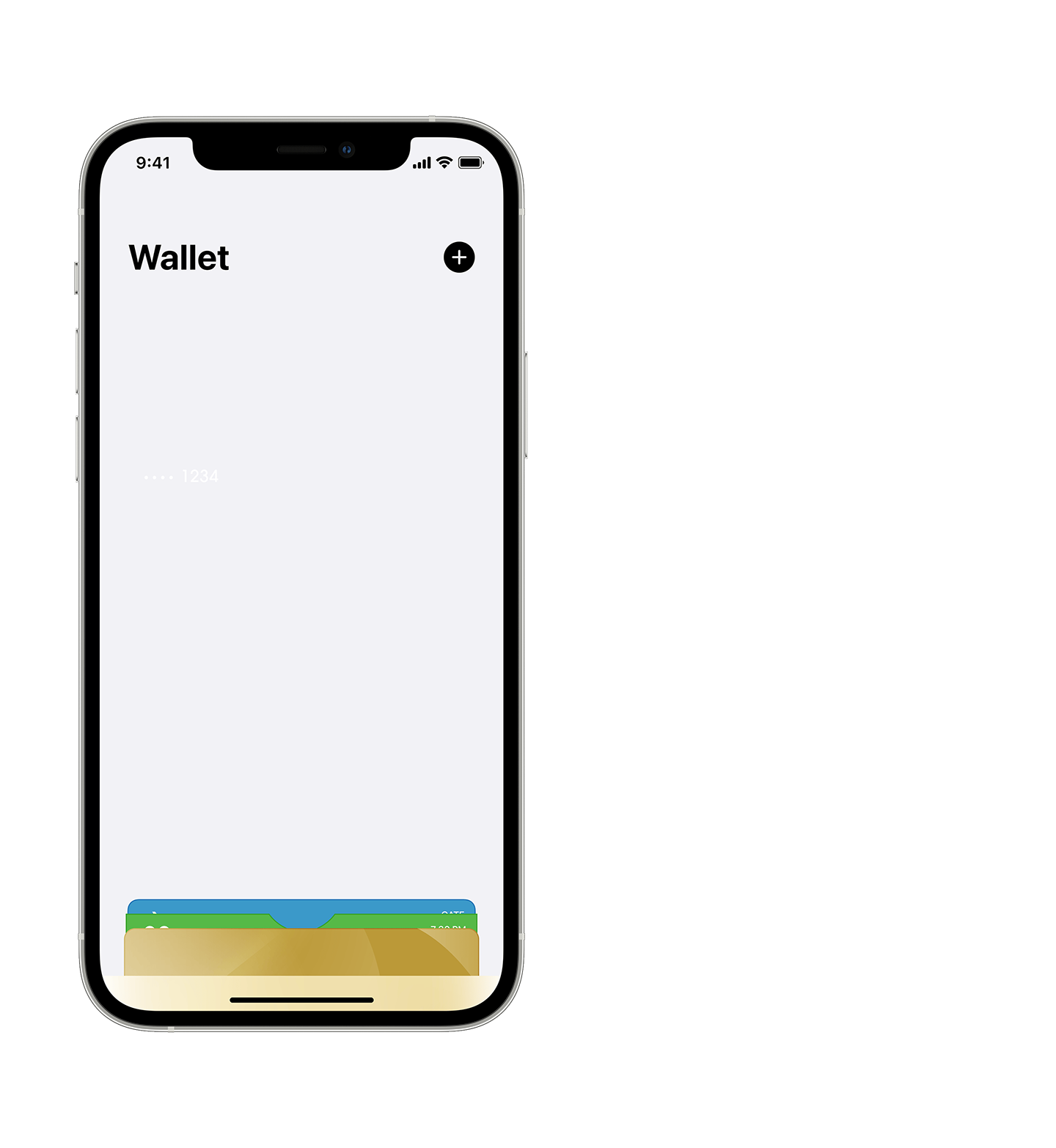
New Phone?
Mobile Tiger ID Not In Wallet?
We've Got You!
Learn More about putting your Mobile Tiger ID on a new phone.
How to Download the Tiger ID (GET Mobile) App
Download the app for your smartphone.


Once installed, choose Auburn University as your institution and login using your Auburn University credentials (abc1234).
Accept the 2-factor Authentication push to your device.
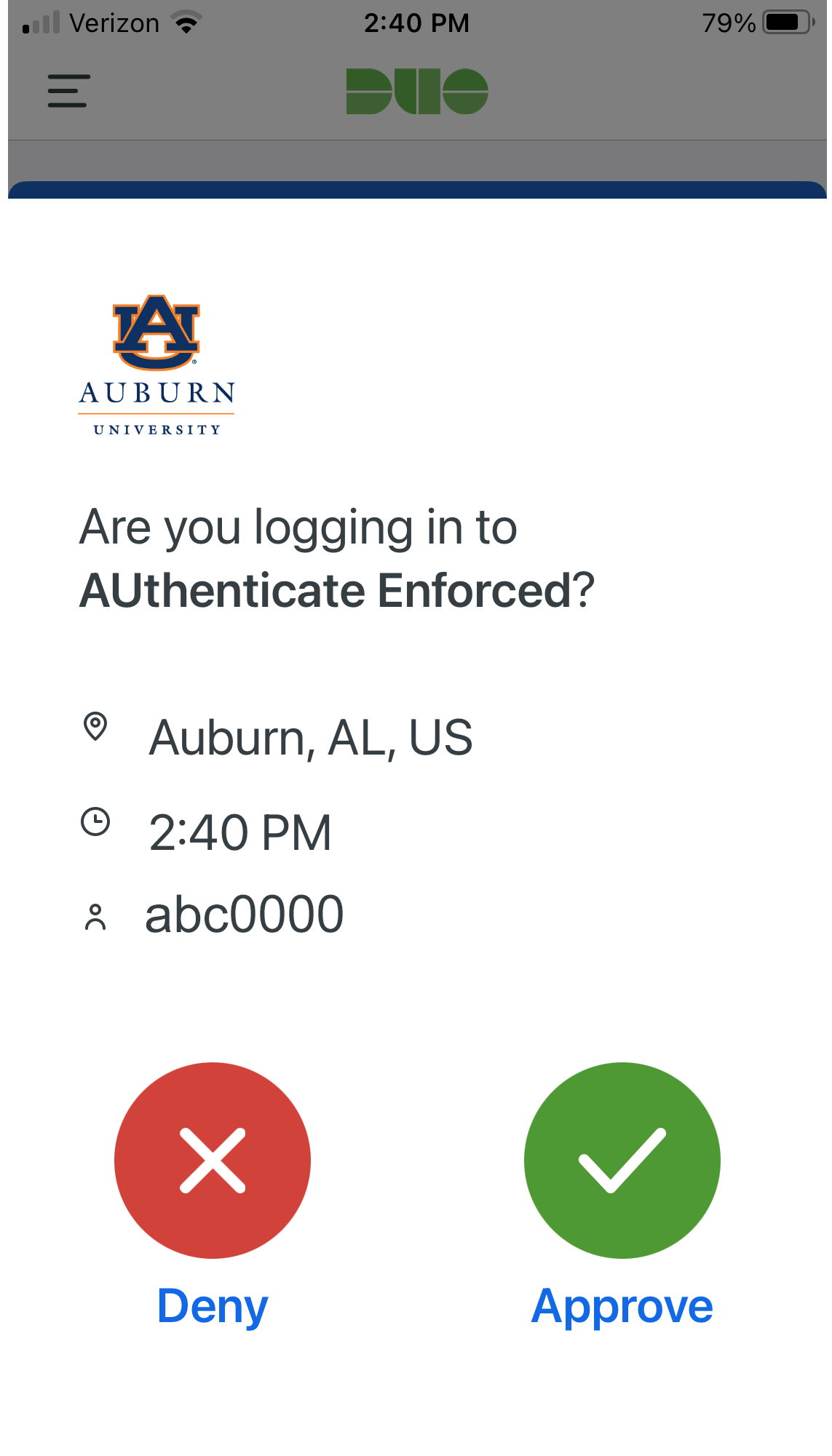
After you have logged in with your Auburn University credentials and accepted the authentication request, you will then set a 4-digit PIN that will provide an additional layer of security when accessing the app.
Remember, students must have an approved photo on file with Auburn University prior to activating their mobile Tiger ID through the app.

Submit Your Tiger ID Photo
Please read over this entire section before submitting your online photo.
Before you can submit a photo for your Tiger ID please make sure the following requirements have been completed:
New Students: You have been accepted to Auburn University and your confirmation deposit has been processed.
New Employees: You have completed your Onboarding process and have activated you Auburn University account.
You know your Auburn University username and password to login to the Photo Submission system.
We are only allowing one approved photo for your mobile Tiger ID. Any requests for a replacement photo must be submitted at least one year after your photo has been approved and in writing via email to tiger_id@auburn.edu.
You will have the option to capture a photo of yourself using your personal device and your photo must adhere to the guidelines listed below. You must capture your photo from within the system as previously taken photos cannot be uploaded/submitted.
Photo Guidelines
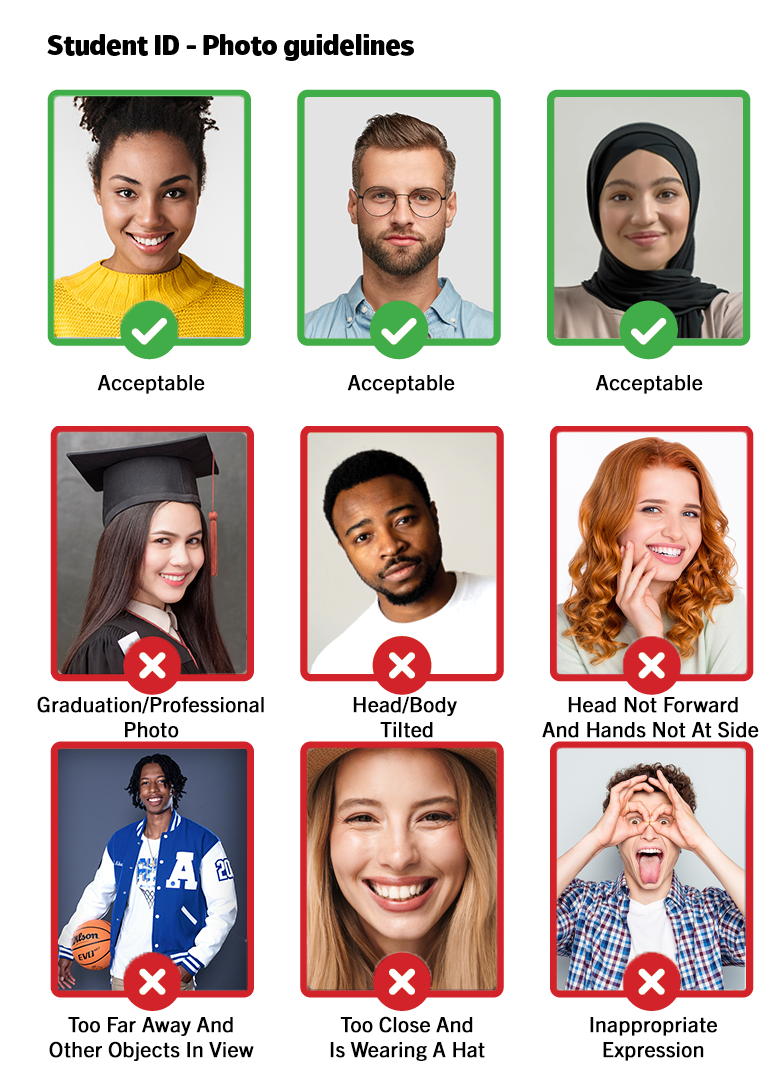
You must look straight ahead in the photograph (no looking down nor tilted/turned head or body).
Crop image slightly below shoulders with full head, front view, and eyes open (no side profiles!).
The photograph must be in color.
Eyeglasses that are clear are acceptable (none that are shaded).
-
Photo must captured from within the photo submission system (no previously taken photos).
Arms/hands should be positioned at each side.
No visible shadows on face.
No hats, sunglasses, jewelry, or garments of any sort that obstruct the view of your face or top of your head.
No senior portraits, filters, or professional photos.
No group photos nor other visible people, pets, or objects in view.
Inappropriate clothing items or expressions are not permitted.
The file size of the photograph is 2 MB or less.
The viewable size of a photo is at least 300 x 300 pixels.
When submitting your photo, you must also upload a copy of a government issued photo ID (driver's license, passport, military ID) for supporting documentation for your photo to be reviewed.

Once the Photo is submitted
Photo submissions are manually reviewed and can take up to three business days to be processed.
Students will be notified via their Auburn University email if the submitted photo is accepted or rejected.
Submitting a photo other than your own is fraud. University policies regarding fraud will be enforced.
The Tiger ID Office reserves the right to refuse any photos that do not meet Auburn University's requirements.
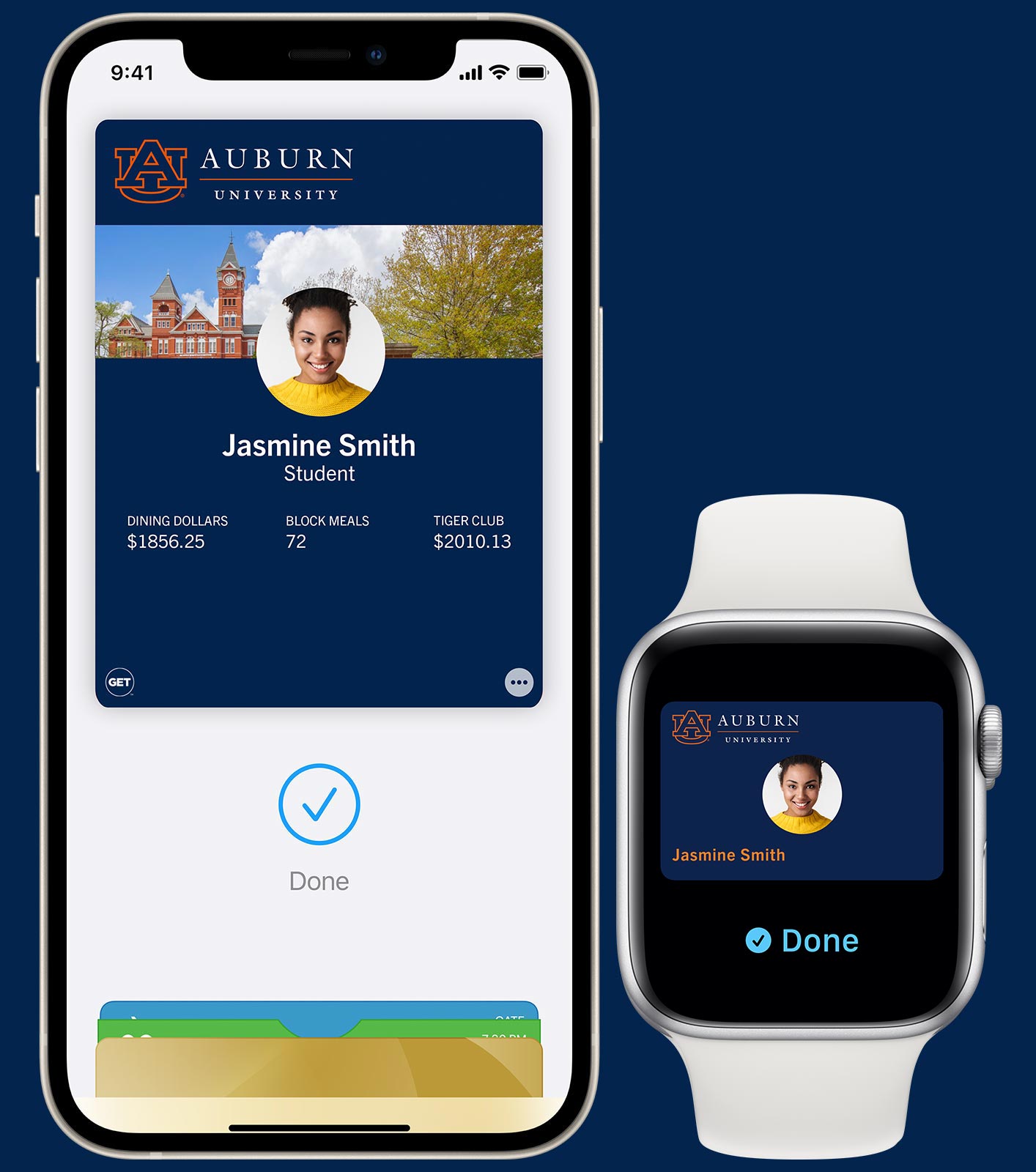
Your Tiger ID.
Now on your iPhone and Apple Watch.
Learn More about Tiger ID for your iPhoneand Apple Watch.
Your Tiger ID.
Now on your Android device.
Learn More about Tiger ID for your Android device.

Using Your Tiger ID
Check out these quick videos that help you understand how to obtain and use your mobile Tiger ID!
Add Money to Your Account
Students
To make a deposit into either the Optional Dining Account or the Tiger Club Account:
Add funds now online.
Students will need to login using their Auburn University credentials (abc1234).
Once logged in, select "Add Funds" under the "Quick Links" menu.
Students may request additional funds under the "Ask for Funds" menu by entering an e-mail address of parents, guardians or other relatives.
Click the "Add Funds" button on the Tiger ID (GET Mobile) app.
Parents, Guardians, and Other Relatives
Make a deposit online into a student's account. You will need the following information:
The student's ID number (90XXXXXX).
The student's official first and last name with Auburn University (i.e. Christopher not Chris, Katherine not Kate)
Find Your Current Balance
At the point-of-sale on register after the total of the purchase is shown.
On the receipt each student receives after making a purchase with their Tiger ID.
Click the "Funds" link on the Tiger ID (GET Mobile) app.
Through the online student Tiger ID account web portal.
Students will need to login using their Auburn University credentials (abc1234).
Once logged in, students can select which account balance they wish to view (Required, Optional Dining, and Tiger Club Accounts).
Faculty/Staff
For information on the Faculty/Staff ID, please visit the Employee ID Card Services webpage or contact us at 334-844-4386. Employee ID Card Services is now located within our office in Suite 2101 of the Harold D. Melton Student Center.